
A Guide on how to login to your account pay your invoices.
Please watch the video below on how to access our new Client Area Portal and Pay your invoices.
- Step 1a: Go to out website www.kaldera.co.za
- Step 1b: You can also pay your invoice by using the pay link in the Invoice Email. This will redirect you to the Client Portal Invoice directly to make a payment.
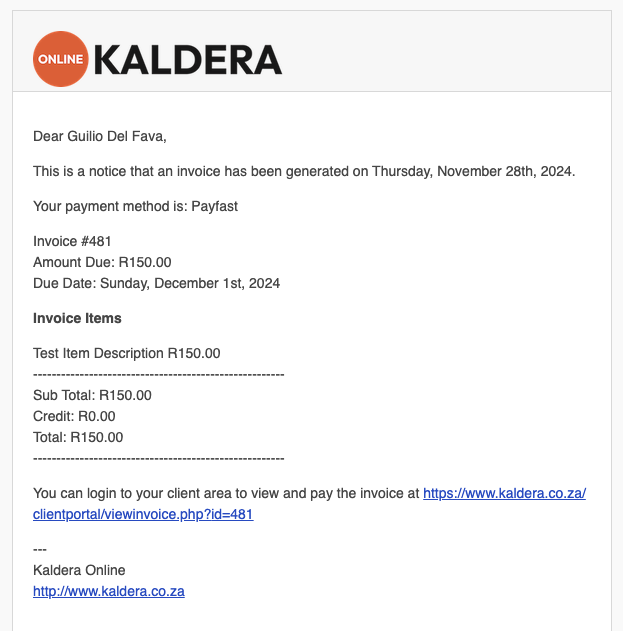
- Step 2: Click the Orange Client Portal Login button on the top right. This will direct you to the New Client Portal homepage.

- Step 3: Click the Orange Login button in the top right.

- Step 4: Click the Forgot? link in the login box
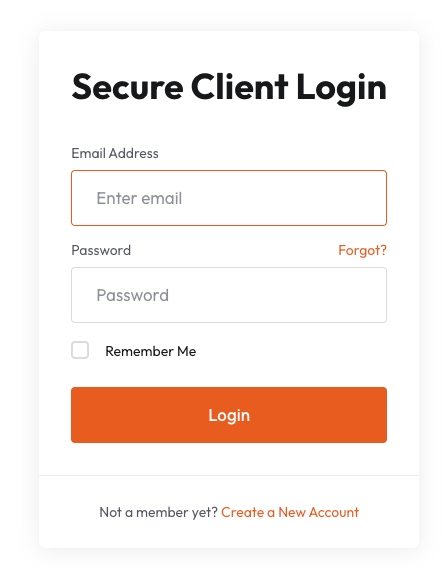
- Step 5: Enter you email address and password click the Submit button.
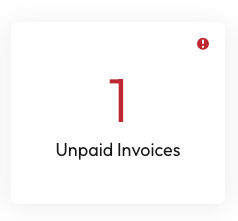
- Step 6: Once logged click the Unpaid Invoices block.
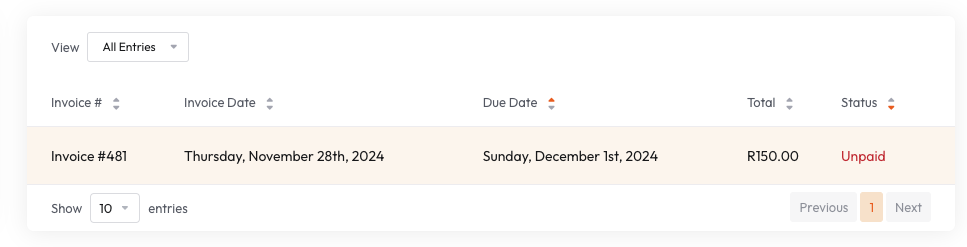
- Step 7: Click on the invoice you would like to pay.
- Step 8: Review your invoice then when you are ready to pay, click the Subscribe with Payfast button on the right.
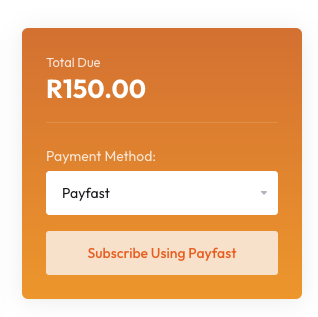
- Step 9: You will be redirected to the Payfast website to complete your payment using a credit or debit card.
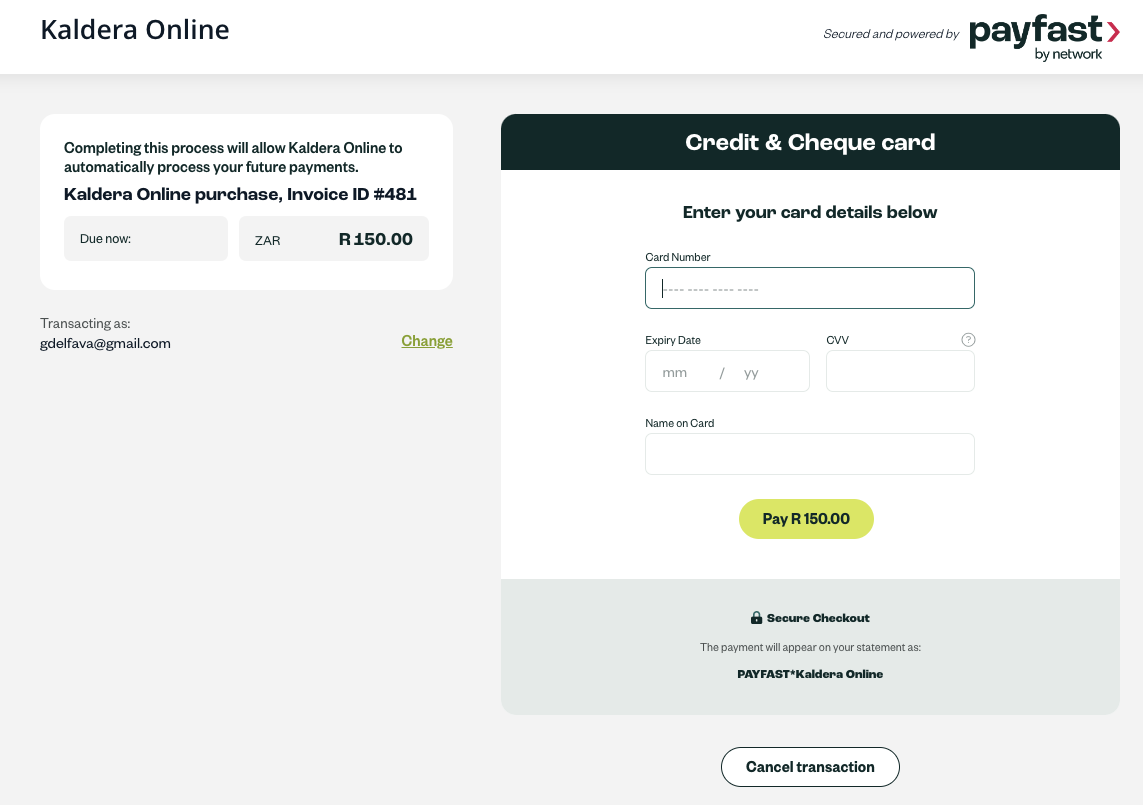
- Step 10: Once you have completed the payment you will be redirected back to the Client Portal. Thank you, you have completed your first invoice payment.
NB: You only have to follow these steps once, thereafter all future invoices will automatically be paid form the loaded credit or debit card on your account.
